
Best Photos for a Gangnam Style AI Video
Choose full-body photos for a Gangnam Style AI video with your outfit, plus practical tips for faces, lighting, and solo, duo, or trio photo sets.
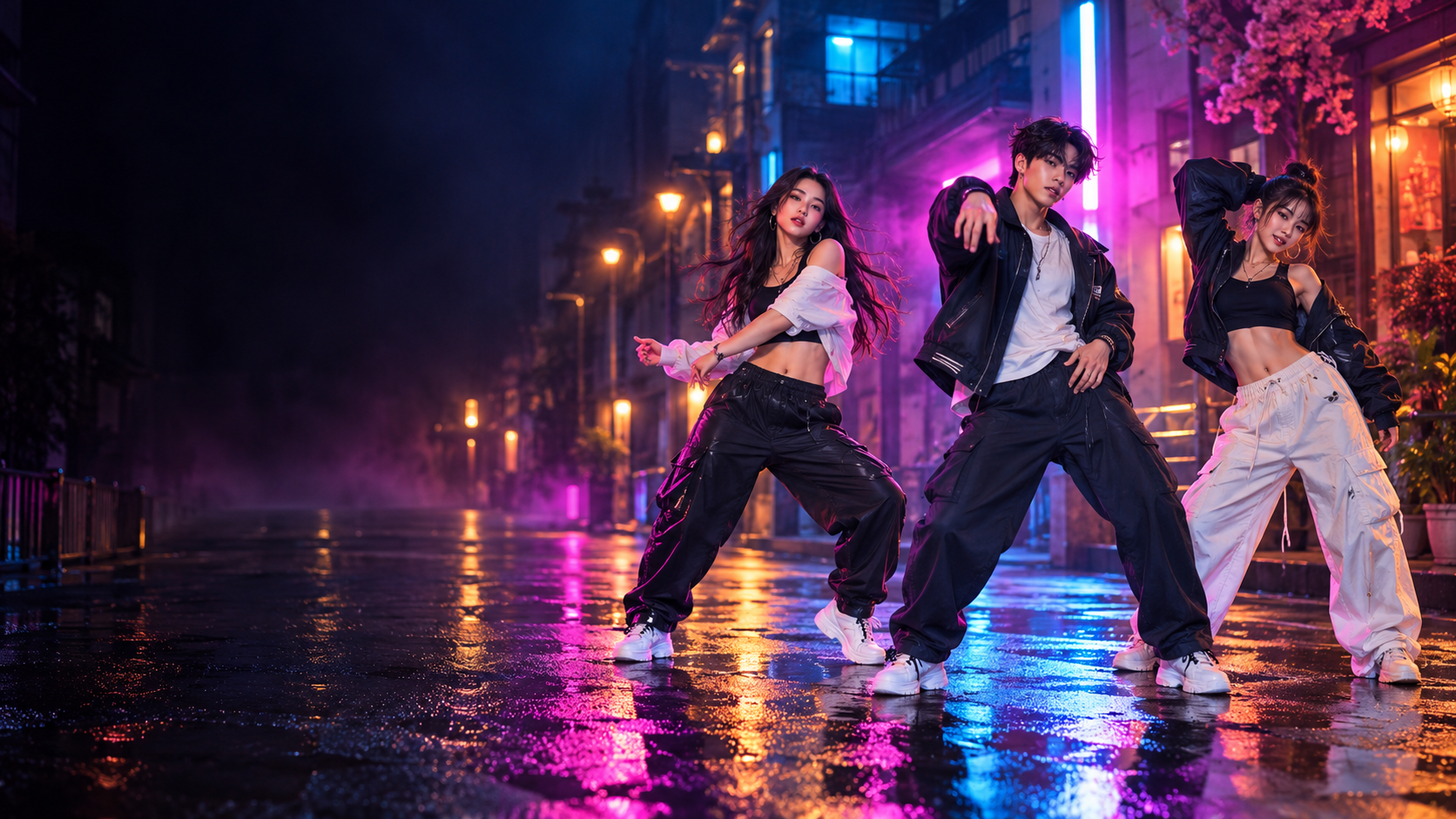
The best source photo for a Gangnam Style AI video is not necessarily the most polished portrait. A simple, sharp image with an easy-to-read face often works better than a dramatic photo with heavy filters, deep shadows, or large accessories.
Keep the face large and sharp
Choose a photo where the face occupies enough of the frame to show the eyes, nose, mouth, jawline, and hairstyle. Avoid tiny group crops and screenshots that have already been compressed several times.
A selfie can provide facial detail, but use a clear full-body photo if you want the video to follow your outfit too. Include the top, trousers or skirt, and shoes without cutting them off. Clothing outside the photo has to be filled in and may differ from what you actually wore.
Show the outfit you want to use
Choose one photo per person with both a recognizable face and the full outfit visible. Keep clothes unobstructed and avoid strong color filters. In two-person mode, photo 1 maps to the person on the left in the opening shot and photo 2 to the right. In three-person mode, photos 1, 2, and 3 map to the opening left, center, and right positions. The video uses these photos as identity and outfit references; exact clothing details and colors can still vary during movement.
Use even lighting
Soft daylight or simple indoor light usually gives the clearest facial detail. Avoid one side of the face disappearing into shadow or bright light washing out the features. With three photos, similar lighting helps the trio feel more coherent.
Choose a readable angle
Front-facing and gentle three-quarter angles are reliable starting points. Extreme profile views can hide one eye and change the visible face shape. If you want three different people, try to keep their face angles reasonably similar.
Watch for obstructions and filters
Large sunglasses, hands across the face, hair covering both eyes, motion blur, and novelty filters remove useful facial information. Natural makeup and ordinary glasses are usually easier to read than effects that reshape the face.
Match the three-photo set
The backgrounds do not need to match. Instead, compare:
- face size within each image;
- brightness and color temperature;
- camera angle;
- sharpness;
- whether each person is immediately recognizable.
When one photo looks much smaller or darker than the others, crop from the original or choose a clearer alternative before generating.
Once the set is ready, open the generator and assign the roles. For the full workflow, read the creation walkthrough; for setup ideas, compare the one-, two-, and three-photo modes.
Frequently asked questions
Is a selfie enough for a Gangnam Style AI video?
A sharp selfie can supply facial detail. For outfit matching, use a full-body photo with the face, top, trousers or skirt, and shoes visible instead.
Do all three photos need the same background?
No. Matching face angle and lighting matters more than matching the original backgrounds.
When your photo set is ready, review the video packs before generating.
Keep exploring
Related Gangnam Style AI guides
How to Make a Gangnam Style AI Video With 1–3 Photos
Create a solo, duo, or trio Gangnam Style AI video from 1–3 portraits with an automatically matched dance template.
Read articleTemplate guide1, 2, or 3 Photos: Choose Your Gangnam Style AI Template
Learn how one, two, or three photos automatically select a matching solo, duo, or trio Gangnam Style AI dance template.
Read articlePublishing guideGangnam Style AI Video for TikTok, Reels, and Shorts
Prepare a 15-second solo, duo, or trio Gangnam Style AI video for TikTok, Instagram Reels, and YouTube Shorts.
Read articlePut the guide into practice
Make your Gangnam Style AI video.
Upload 1–3 photos and automatically select the matching solo, duo, or trio dance. Sign in only when you are ready to generate.