
How to Make a Gangnam Style AI Video With 1–3 Photos
Create a solo, duo, or trio Gangnam Style AI video from 1–3 portraits with an automatically matched dance template.
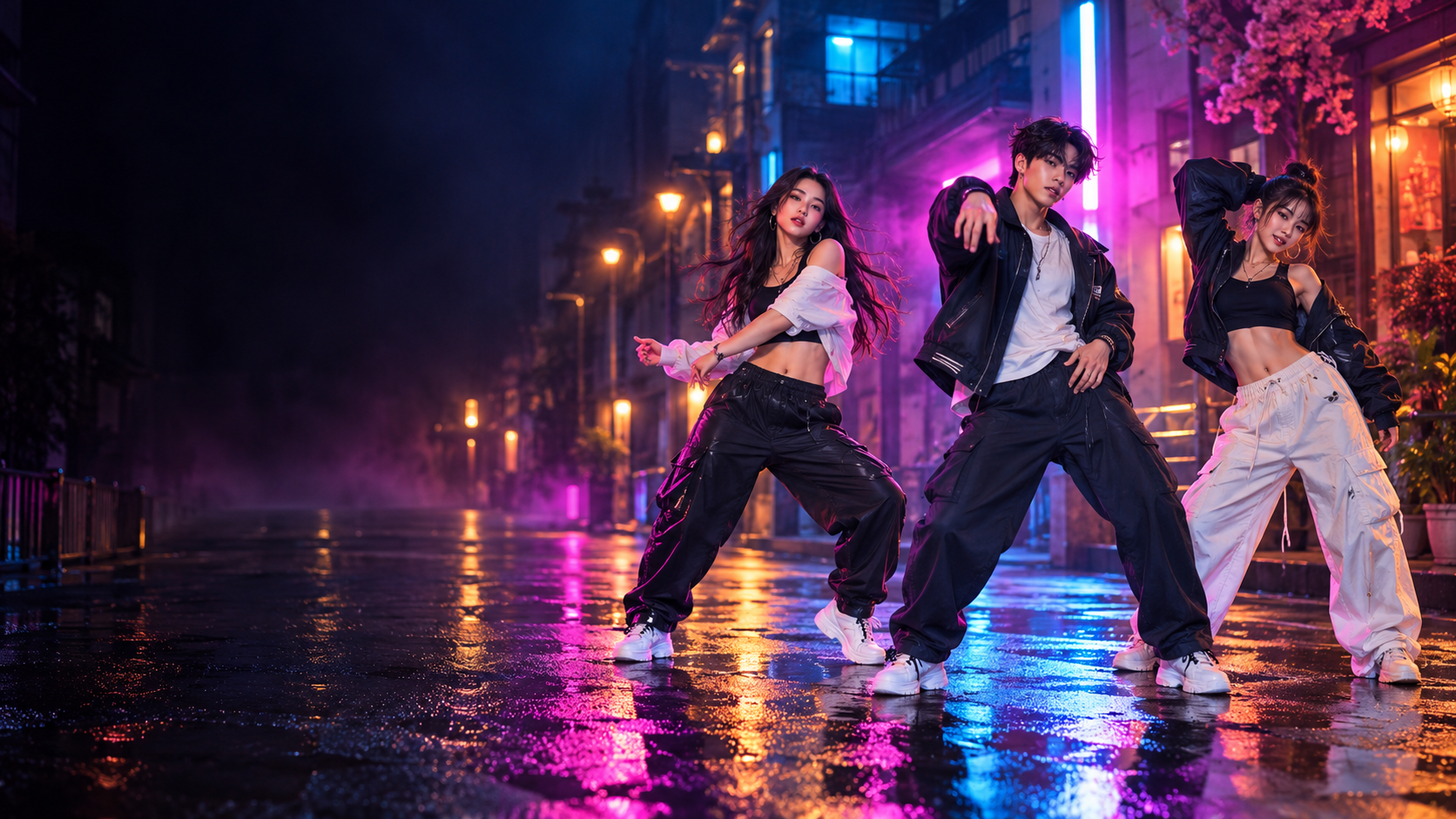
A Gangnam Style AI video places the people from your photos into a prepared dance scene with the same cast size. You do not need to record choreography or build a prompt. Upload one person for the solo template, two people for the duo template, or three people for the trio template.
Step 1: Choose one, two, or three photos
Use the number of photos that matches your idea:
- One photo: select the one-person dance template.
- Two photos: select the two-person dance template.
- Three photos: select the three-person dance template.
Choose photos where the face is easy to see, the lighting is even, and filters do not hide the eyes or facial shape. The original background is less important because the result uses the reference scene.
Step 2: Arrange the people
Open the Gangnam Style AI Video Generator, upload your photos, and check the person order. The generator selects the reference video that matches the number of photos. Photo 1 maps to Person 1, Photo 2 to Person 2, and Photo 3 to Person 3 when present.
With two photos, both people appear once in the prepared duo scene. No third person is added or duplicated.
Step 3: Generate, preview, and download
Start the generation when the preview looks right. Once the video is ready, watch the complete result. If one person looks weaker, replace that source photo and try another version.
Download the finished vertical video, then add a short caption or platform audio when you publish. The TikTok, Reels, and Shorts guide covers useful safe areas and opening-frame ideas.
Quick checklist
- Each face is sharp and unobstructed.
- The person order matches your idea.
- The displayed template size matches the number of photos.
- The opening frame is easy to understand on a phone.
- Every featured person reads clearly in the result.
For a closer comparison of each setup, see the one-, two-, and three-photo template guide. If the source images are not ready yet, use the photo selection guide.
Frequently asked questions
How many photos do I need for a Gangnam Style AI video?
Use one photo for a solo video, two photos for a duo, or three photos for a trio. Each count selects its own reference template.
Do I need to record a dance video?
No. Choose the photos and person order; the generator applies them to the matching prepared dance scene.
When you are ready to generate, you can also compare the one-time video packs.
Keep exploring
Related Gangnam Style AI guides
1, 2, or 3 Photos: Choose Your Gangnam Style AI Template
Learn how one, two, or three photos automatically select a matching solo, duo, or trio Gangnam Style AI dance template.
Read articlePhoto guideBest Photos for a Gangnam Style AI Video
Choose full-body photos for a Gangnam Style AI video with your outfit, plus practical tips for faces, lighting, and solo, duo, or trio photo sets.
Read articlePublishing guideGangnam Style AI Video for TikTok, Reels, and Shorts
Prepare a 15-second solo, duo, or trio Gangnam Style AI video for TikTok, Instagram Reels, and YouTube Shorts.
Read articlePut the guide into practice
Make your Gangnam Style AI video.
Upload 1–3 photos and automatically select the matching solo, duo, or trio dance. Sign in only when you are ready to generate.